From Spreadsheet Chaos to QR Seamlessness: Scaling GDGoC RCC's Swag Distribution
Introduction
In the world of GDGoC community events, Study Jams Swag Day is both the most anticipated and the most dreaded day of the year.
At GDG on Campus RCCIIT, we've historically dealt with the "distribution headache." Picture 100+ excited students lining up in a narrow corridor while three organizers frantically scroll through a 100-row Excel sheet, squinting through screen glare to find a name, confirm a T-shirt size, and manually type "Yes" into a column.
It was slow, prone to human error, and, honestly, a bit chaotic.
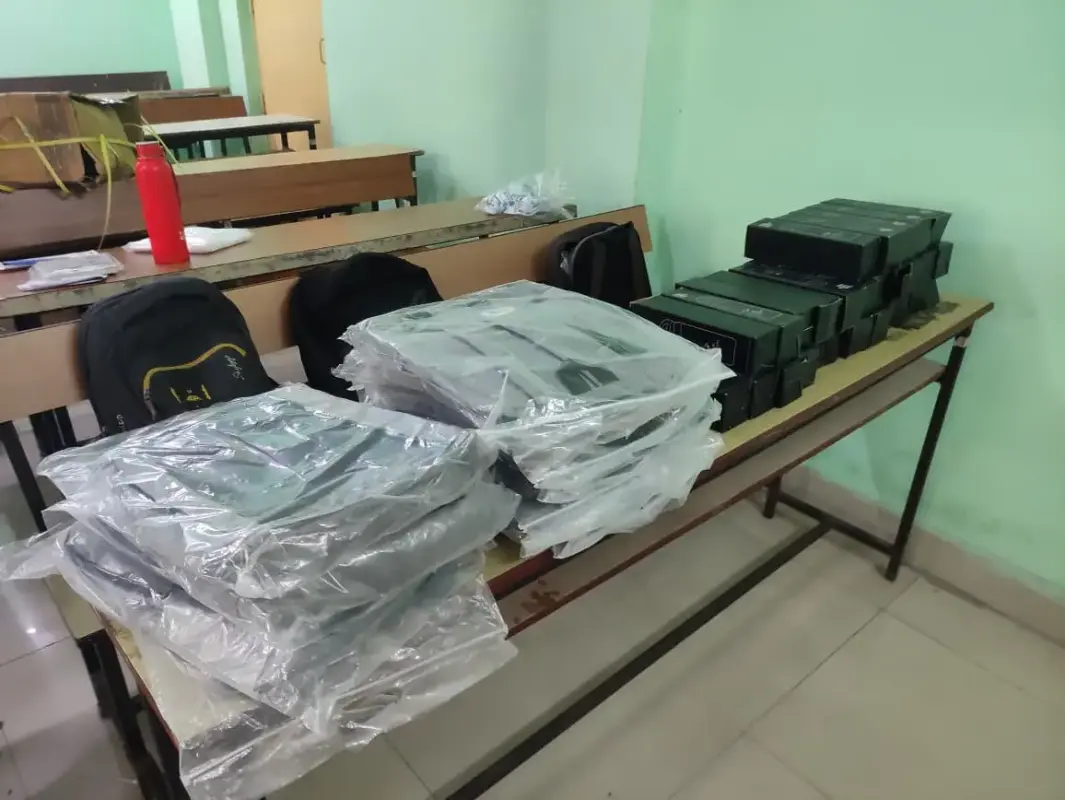
As the current Lead, I knew we needed a better way: a system that was fast, secure, and above all, unbreakable.
The Tech Stack: Building for Speed
So I built a dedicated QR Swag Distribution System:
- Frontend: Next.js 16 with a premium, mobile-first UI.
- Verification: each participant gets a unique QR code that identifies them instantly.
- Tracking: every claim is recorded in real time, with fraud prevention against double claims.
- Auth: Firebase Authentication keeps organizers signed in across the scanner and list views.
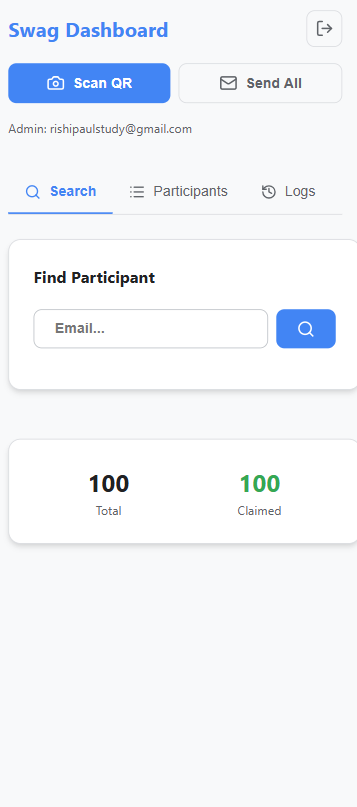
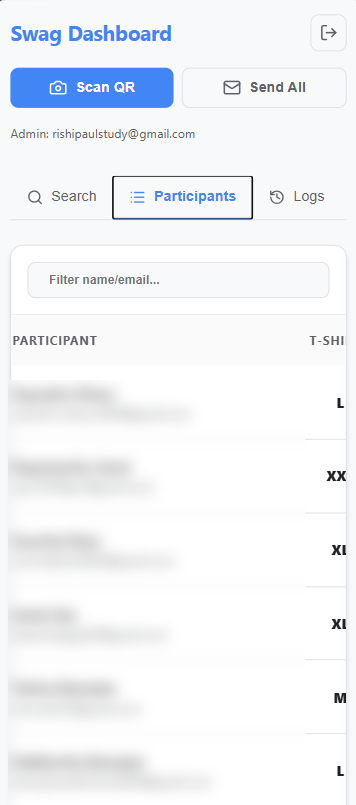
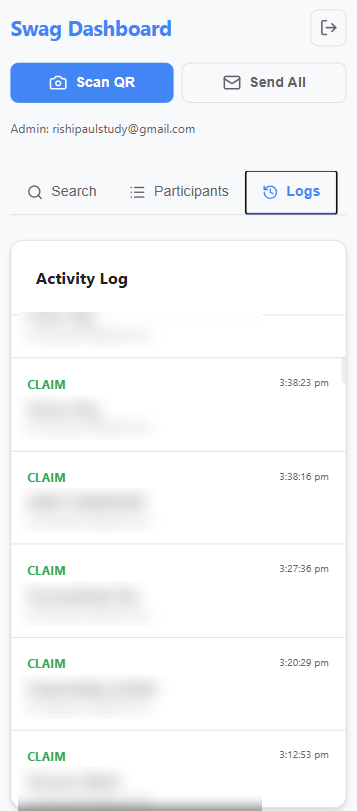
The organizer dashboard has three views: Search to find anyone by email (with live total vs. claimed counts), Participants with each person's T-shirt size, and Logs, a timestamped feed of every claim and which organizer handled it.
flowchart LR
    P[Participant shows QR] --> S[Organizer scans]
    S --> L{Lookup}
    L -->|Not found| X[Reject]
    L -->|Already claimed| D[Flag duplicate]
    L -->|Eligible| C[Confirm name + T-shirt size]
    C --> M[Mark claimed in real time]
    M --> H[Hand over swag]
Before vs. After
| Spreadsheet | QR system | |
|---|---|---|
| Find a participant | Scroll and search 100+ rows | One scan |
| Confirm size | Read across a row on a glaring screen | Shown on the confirmation card |
| Record the handover | Type "Yes" by hand | One tap, synced live |
| Stop double claims | Hope someone notices | Blocked automatically |
Development Challenges
Real crowds expose real bugs. A few that came up while building it:
- Mobile scrolling. The first confirmation modal had a scroll-lock bug that cut off long content on smaller phones.
- The fat-finger problem. Radio buttons and buttons were too small to hit quickly on a phone in a rush, so the entire card became the tap target.
- Staying signed in. Organizers needed to stay securely logged in while switching between the scanning and list views, which is where Firebase Authentication came in.
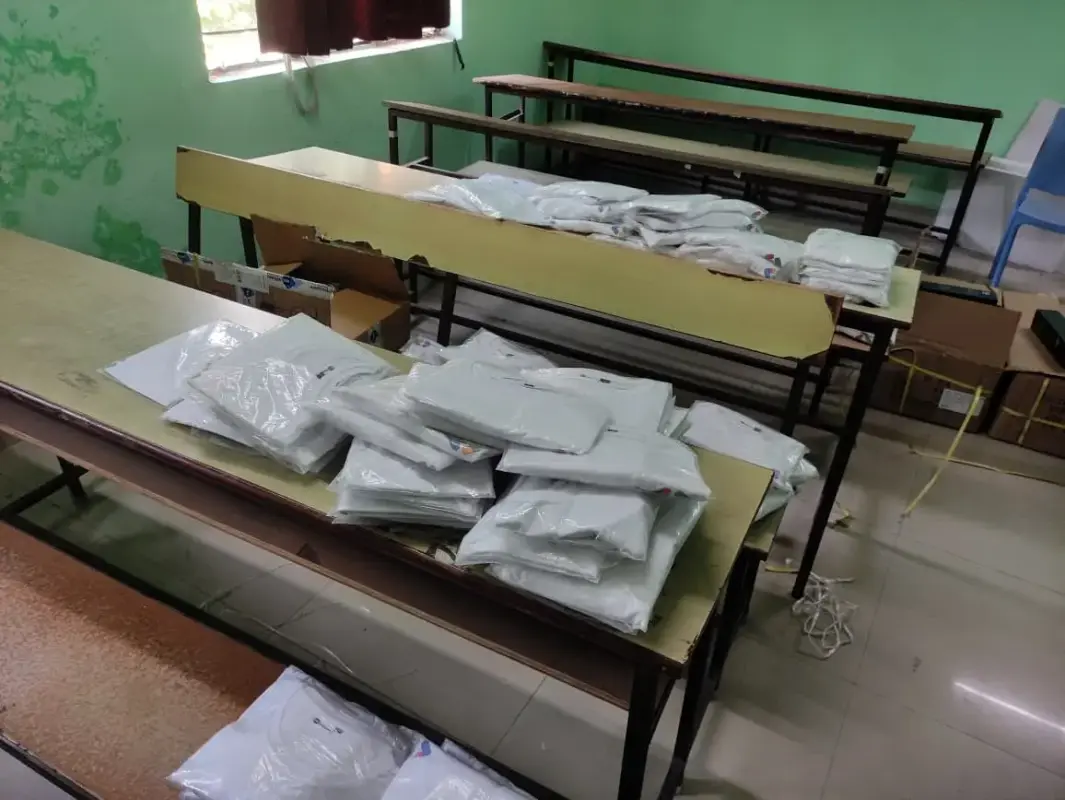
The Result: 70+ in 30 Minutes
The system distributed swag to over 70 people in under 30 minutes.
That's roughly 25 seconds per person, covering identification, scanning, processing, and physically handing over the T-shirt. No manual typing, no repeated email searches, and zero disputes.
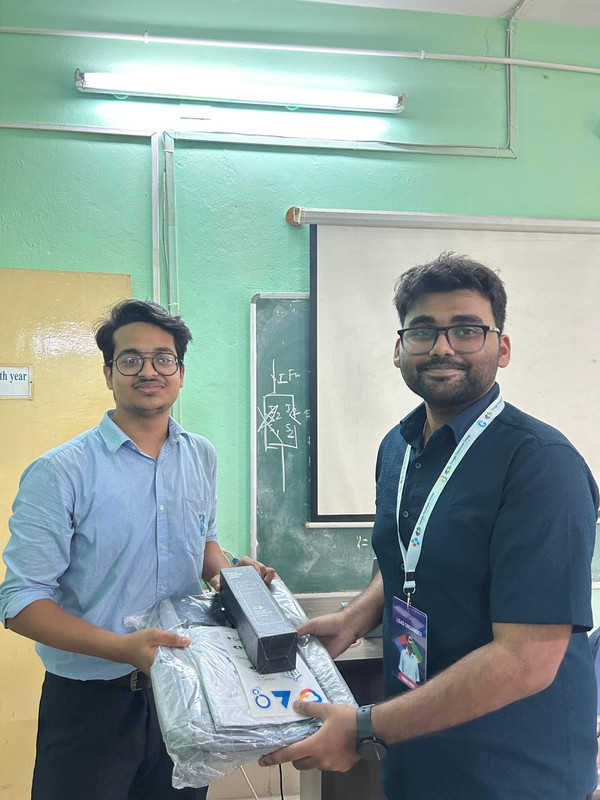
A Legacy for Future Leads
One of my core goals as Lead Organizer of GDGoC RCCIIT is to leave the campsite better than I found it.
Previous teams spent hours managing spreadsheets. By building and documenting this system, I'm making sure future teams don't have to deal with that headache.
Moving from Excel to a custom-built tool wasn't about the cool factor. It was about respecting participants' time and our team's sanity.
Onwards to the next 100!