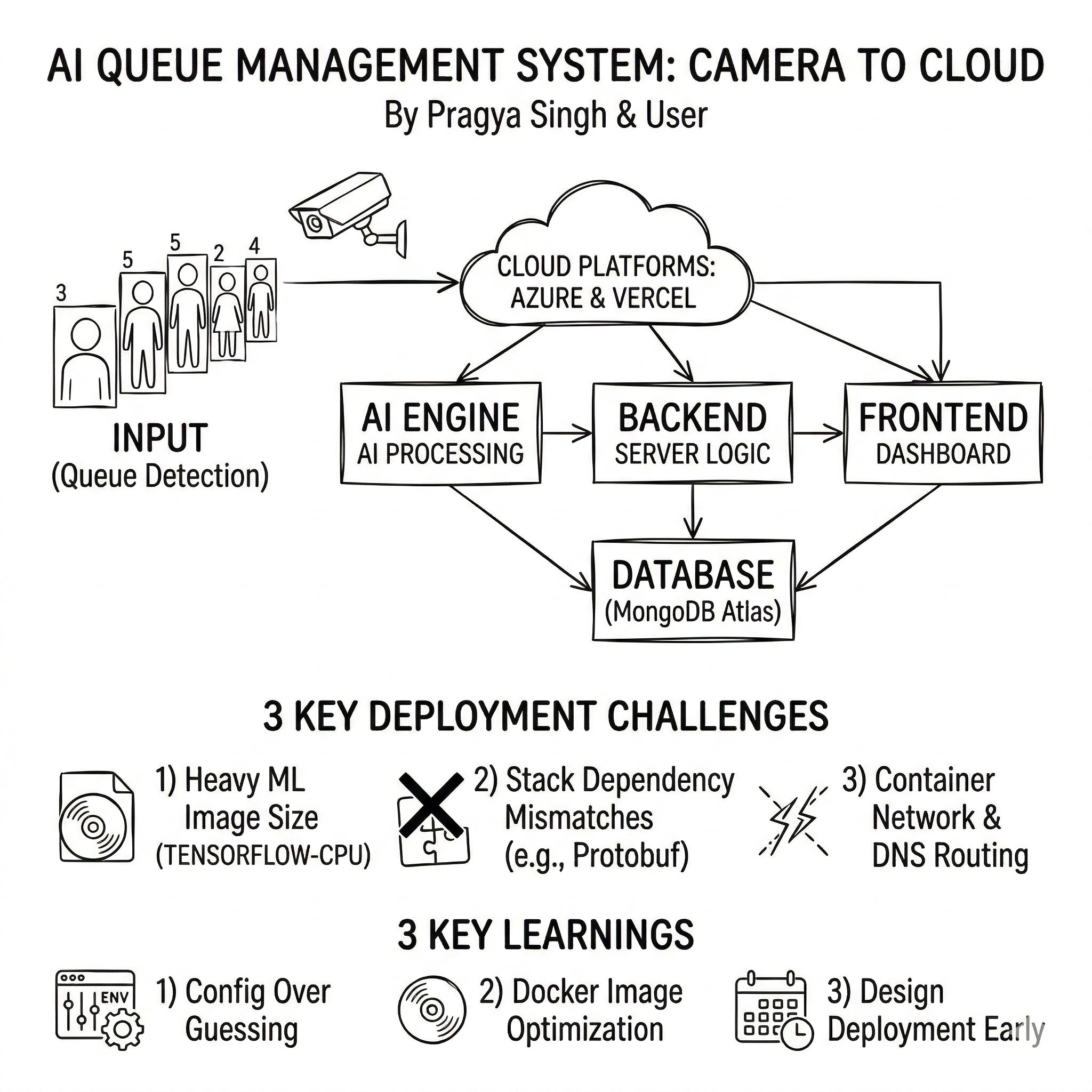
From Camera to Cloud: Deploying Our AI Queue Management System
This project started as a bold idea from my teammate Pragya Singh, who built the core of the system end‑to‑end. I joined in later to help debug, fix deployment issues, and ship it to the cloud. This post is a quick story of what we built, how I deployed it, what went wrong along the way, and what I learned.
What the Project Does
The system tackles a simple pain point: queues are frustrating. It watches queues in real time, predicts what’s coming next, and suggests how staff should be allocated.
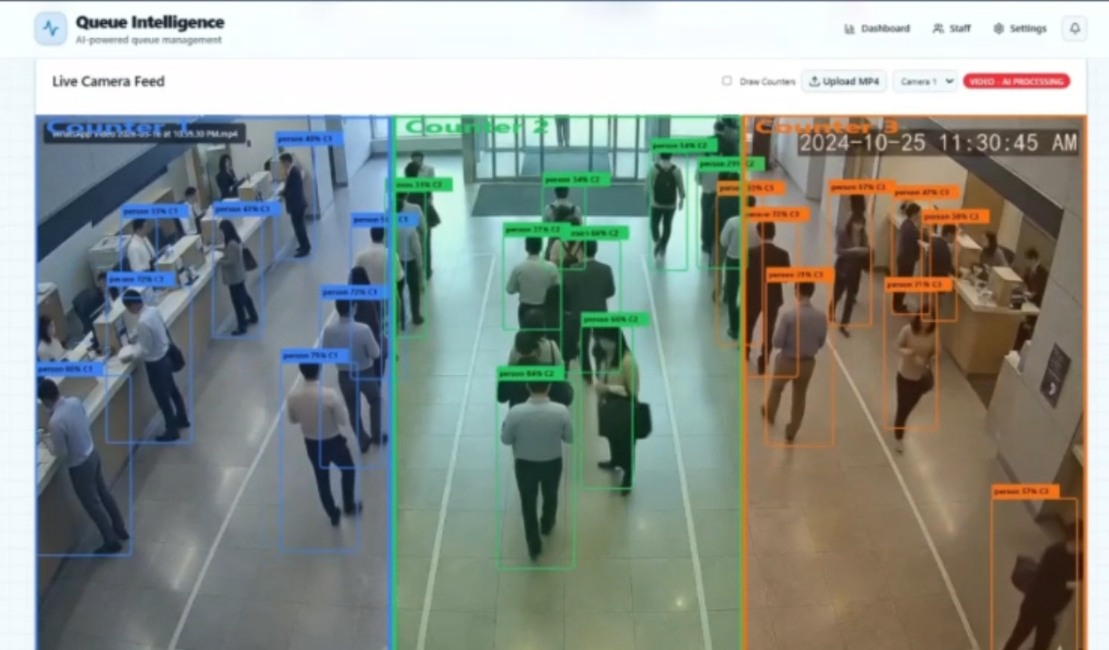
The stack includes:
- YOLO queue detection (camera → people count)
- LSTM prediction (15‑minute forecast)
- OR‑Tools optimization (best staff allocation)
- Dashboard + notifications (live view and alerts)
Architecture in One Breath
- AI Engine: Python + Flask (YOLO, LSTM, OR‑Tools)
- Backend: Node.js + Express + MongoDB
- Frontend: Next.js + TypeScript
- Database: MongoDB Atlas
- Deployments:
- Backend + AI on Azure Container Apps
- Frontend on Vercel
My Role
Pragya built the system. I came in to fix edge cases, resolve deployment issues, and get everything running in Azure + Vercel. That meant:
- resolving container port mismatches
- fixing dependency conflicts (TensorFlow + OR‑Tools + NumPy)
- slimming down the AI container image
- correcting backend → AI routing
- stabilizing MongoDB startup
Deployment (Where It Lives)
- Backend: Azure Container App
- AI Engine: Azure Container App
- Frontend: Vercel
Azure Container Apps handled ingress + scaling, while Vercel made frontend deployment simple.
Challenges I Faced
1) Port mismatches
The containers were listening on one port while Azure expected another.
Fix: set explicit PORT and AI_ENGINE_PORT.
2) Massive AI image
The AI container hit multi‑GB (more than 7GB) size because of ML dependencies.
Fixes: tensorflow-cpu, opencv-python-headless, tighter pins, .dockerignore.
3) Dependency conflicts
TensorFlow and OR‑Tools required incompatible protobuf versions.
Fix: pinned compatible versions across the stack.
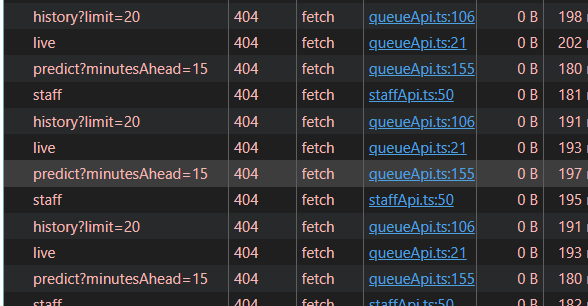
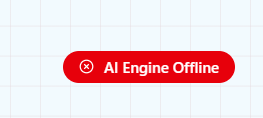
4) Backend couldn’t reach AI
Internal DNS wasn’t resolving, so the backend couldn’t call the AI engine.
Fix: point backend to the AI engine’s external FQDN.
5) Mongo connection timing
Requests hit before Mongo connected.
Fix: wait for DB connection before starting the server.
What I Learned
- Most “cloud problems” are actually configuration problems.
- AI deployments are heavy — container size needs planning.
- Explicit env vars prevent hours of guessing.
- Working with a strong teammate makes complex projects possible.
Final Thoughts
This system is largely Pragya’s work — she built the AI pipeline, backend logic, and frontend experience. I’m proud of the role I played in making it stable and deployable.
If you’re building something similar, my biggest advice is: design for deployment early, because the last mile is often the hardest.